How to make use of APC Smart-UPS RT-1000
I got ancient UPS from friend of mine which served at his old job as main UPS for its whole lifetime and it just sat for last couple years in his basement. UPS in question is APC Smart-UPS RT-1000. It is line interactive UPS with power capacity 1000 VA. I have some experience with UPS but not with server grade ones so this is bit of journey. Also, content on internet tend to get lost fairly quickly so I am going to keep copy of everything I found here together with link to original. So, buckle up, we are going for adventure.
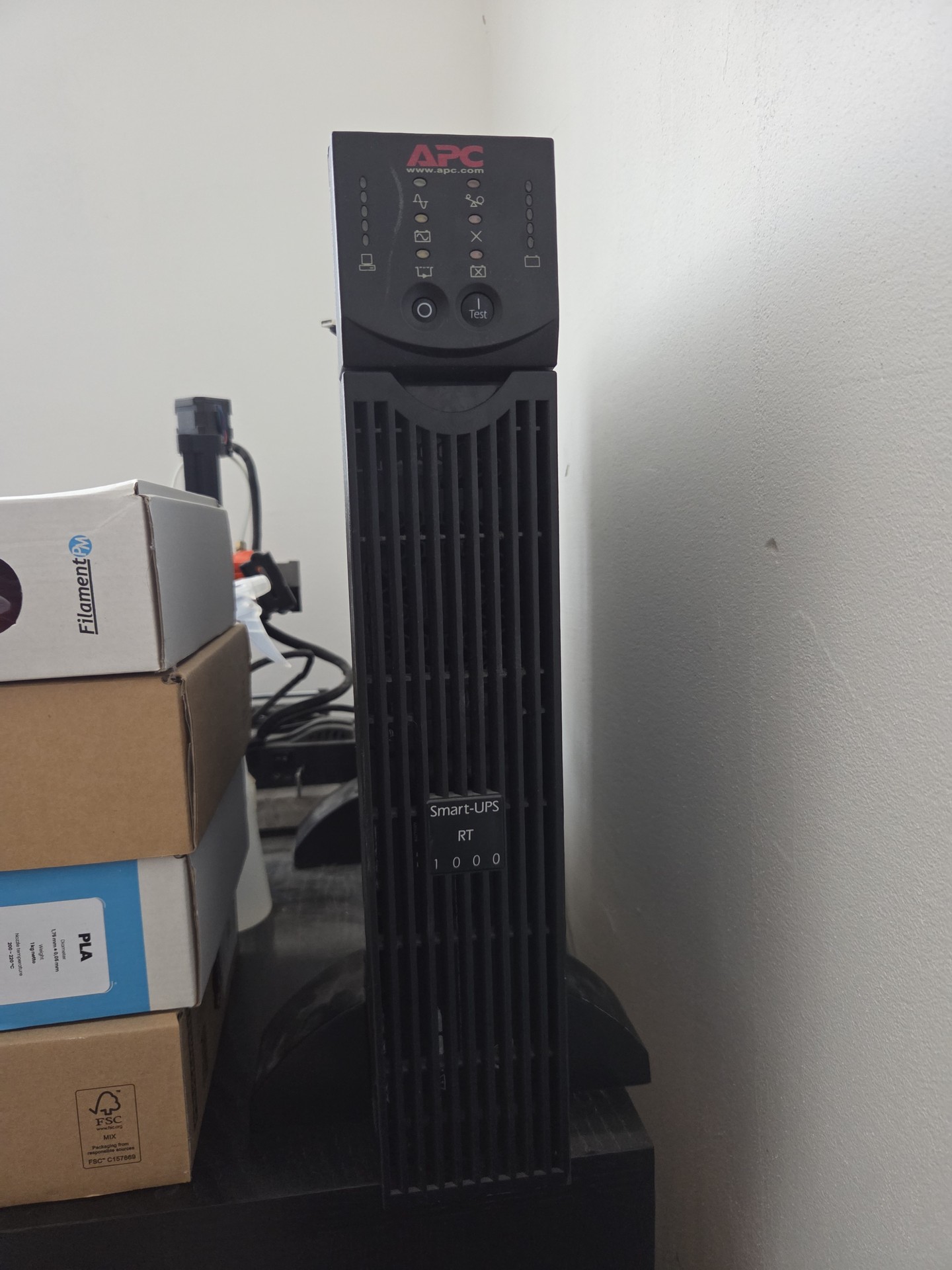
Bring-up
First issue pop-up pretty much immediately - UPS didn’t start when connected to power. It did absolutely nothing at all. I called my friend if it was supposed to be running and he confirmed that so I started digging.
It turned out APC Smart-UPS doesn’t start if battery is dead. So if you get second hand UPS with dead battery (which is very likely considering age of those things), you have no way how to verify it is alive until you plug in battery pack. But I trusted my friend it worked before so I decided to replace battery pack.
First issue - getting old battery pack out. But it wouldn’t move, like it was stuck. So I removed lid from case to get access from side and found out why battery was dead. Did you know even Pb gel battery can leak? I didn’t but that is exactly what happened and as part of that, all cells were deformed and quite puffy so it literally got stuck in there. Caveman approach to rescue, just pull that thing out by more force. It eventually got out so I dismantled whole pack, cleaned what could be cleaned, took picture of old cells so I can order new ones and (after 9 months because I didn’t got time to finish this sooner) ordered new set.
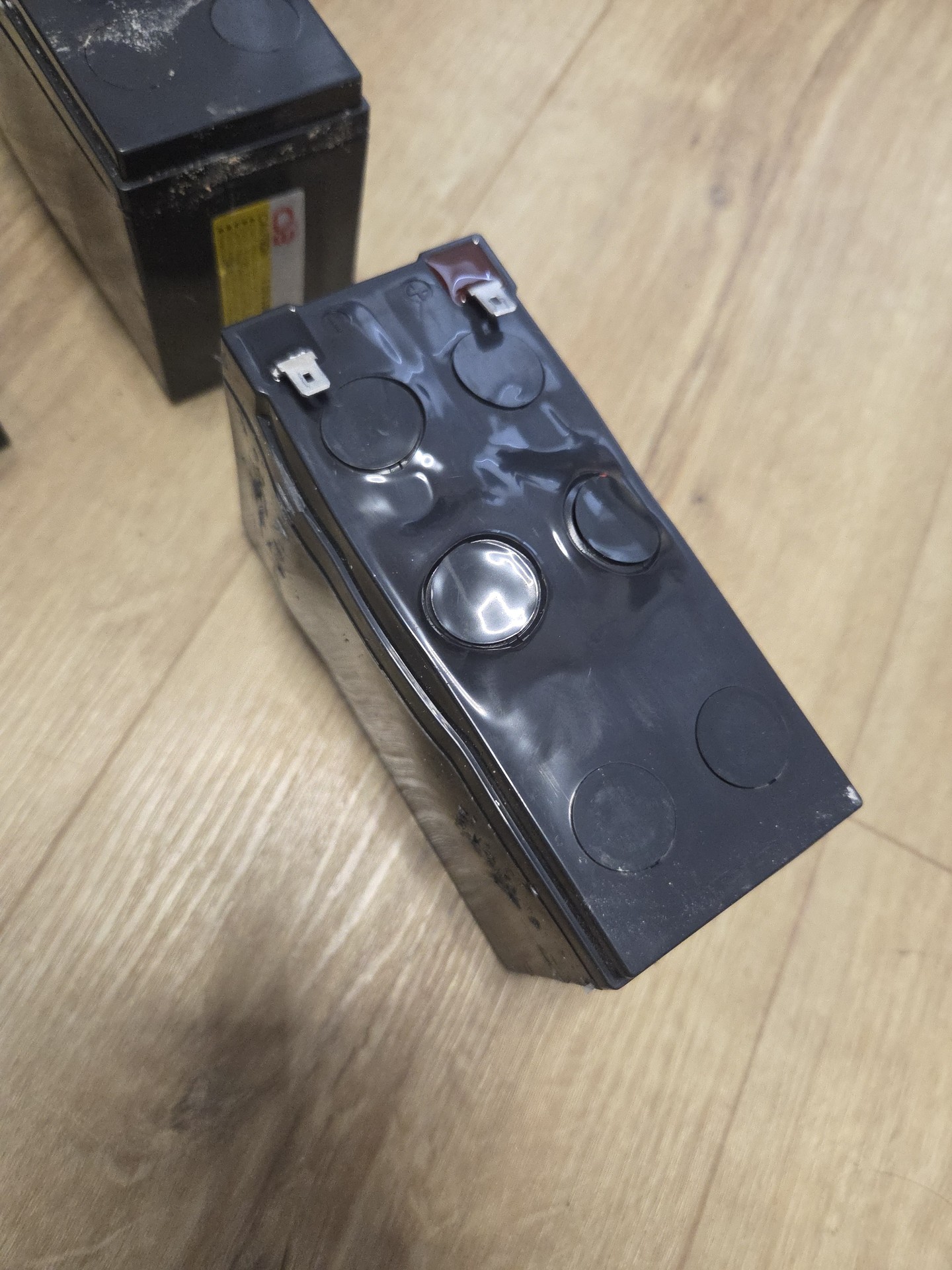
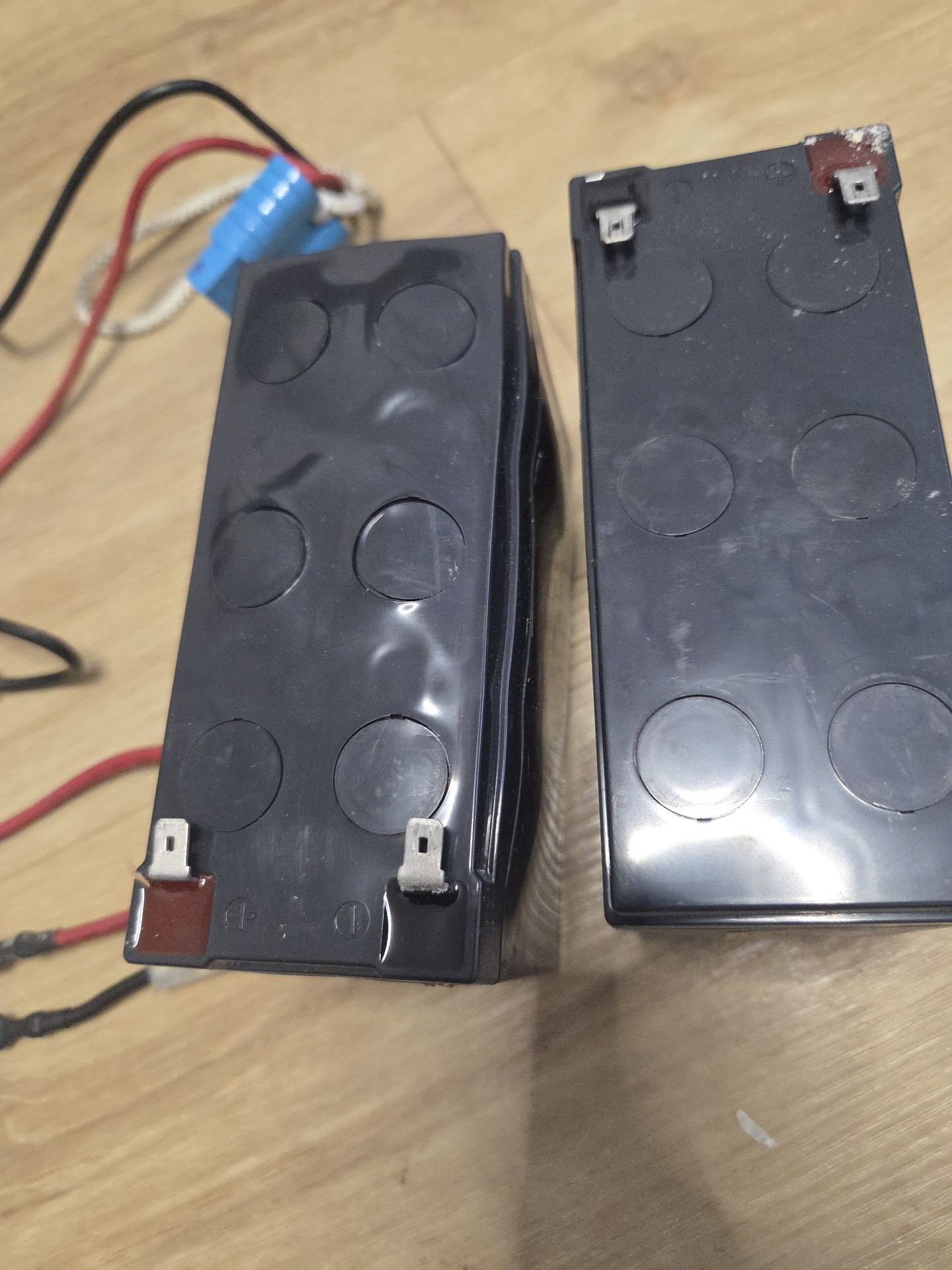
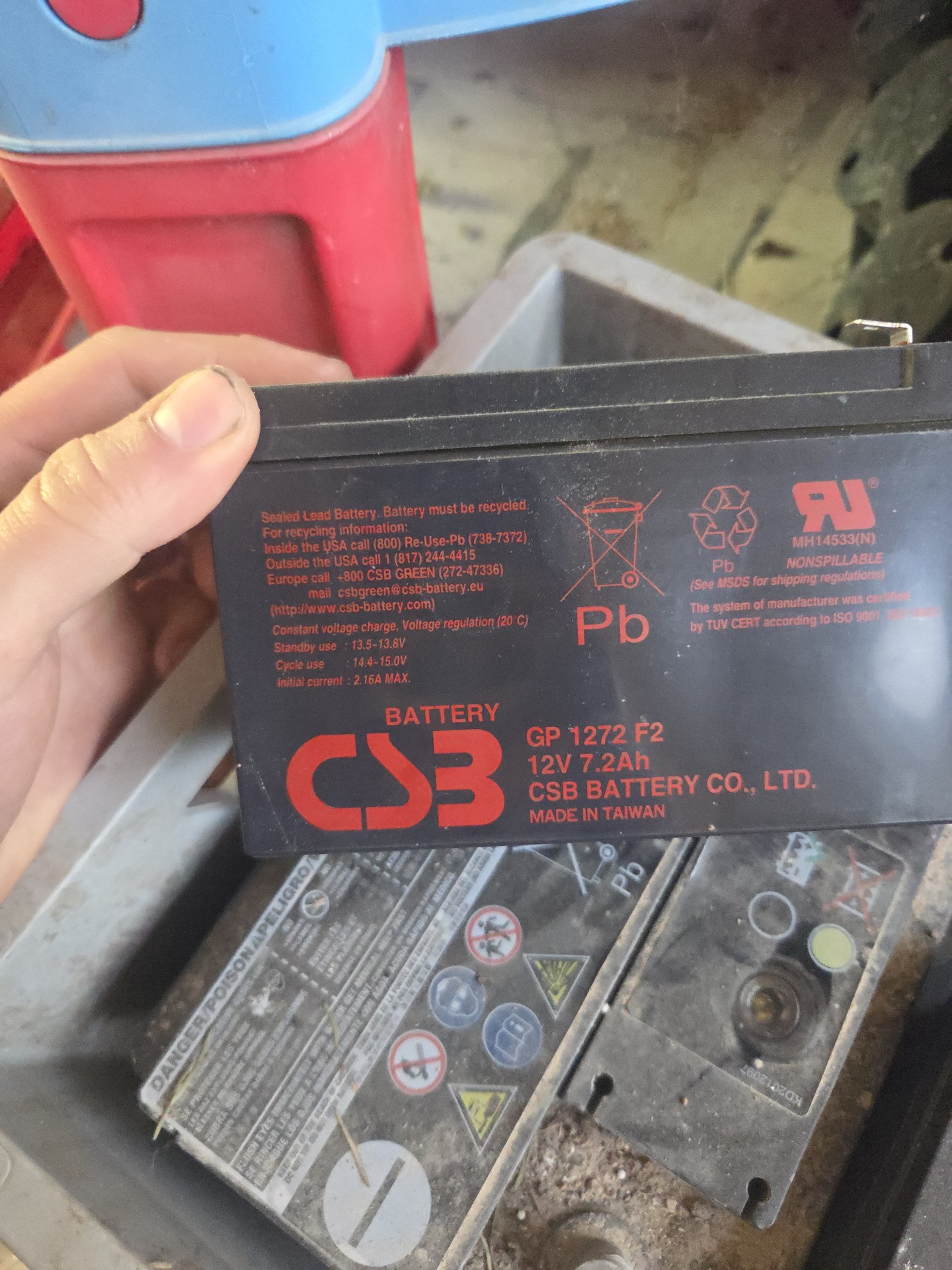
Wired it back up, taped what was corroded away (that goo from batteries literally ate some plastic insulators) and finally plugged it back in. And hey, fan started spinning in moment of battery pack connection. I plugged mains power and turned it on. Second fan kicked in and with happy beep UPS turned on. Great success!
Get it to work
Now we get to funny parts - you know how I mentioned I didn’t had any experience with server grade UPS? First thing which surprised me a lot was how noisy this thing is. There are two 70 mm fans which cools whole thing and those either run or not. And when it is on, they both run. I can live with that, it is meant to be UPS for 3D printer so it doesn’t matter that much it is noisy. But when you turn it off, rear fan still runs and there is no way to turn it off unless you disconnect it from power and turn it off again, then it stops. I haven’t found sensible solution to this so for now, when I want to turn it off, I press off button to power it off, disconnect mains power and press and hold off again to make it silent. But once you reconnect mains, it jumps back on. I suspect it is due charging circuit because I noticed it charges even when turned off. I need to find better solution for this.
Next part is connection to NUT (or anything really). For that, I need a cable - there is DB-9 on back but I knew APC does funny things in there so I started looking for wiring and found it there and is my local copy. So I built this cable, added nice covers to it and hooked it to PC with USB-RS232 converter. Then connected with 2400 baud, 8N1 and sent Y and it chimed to live.
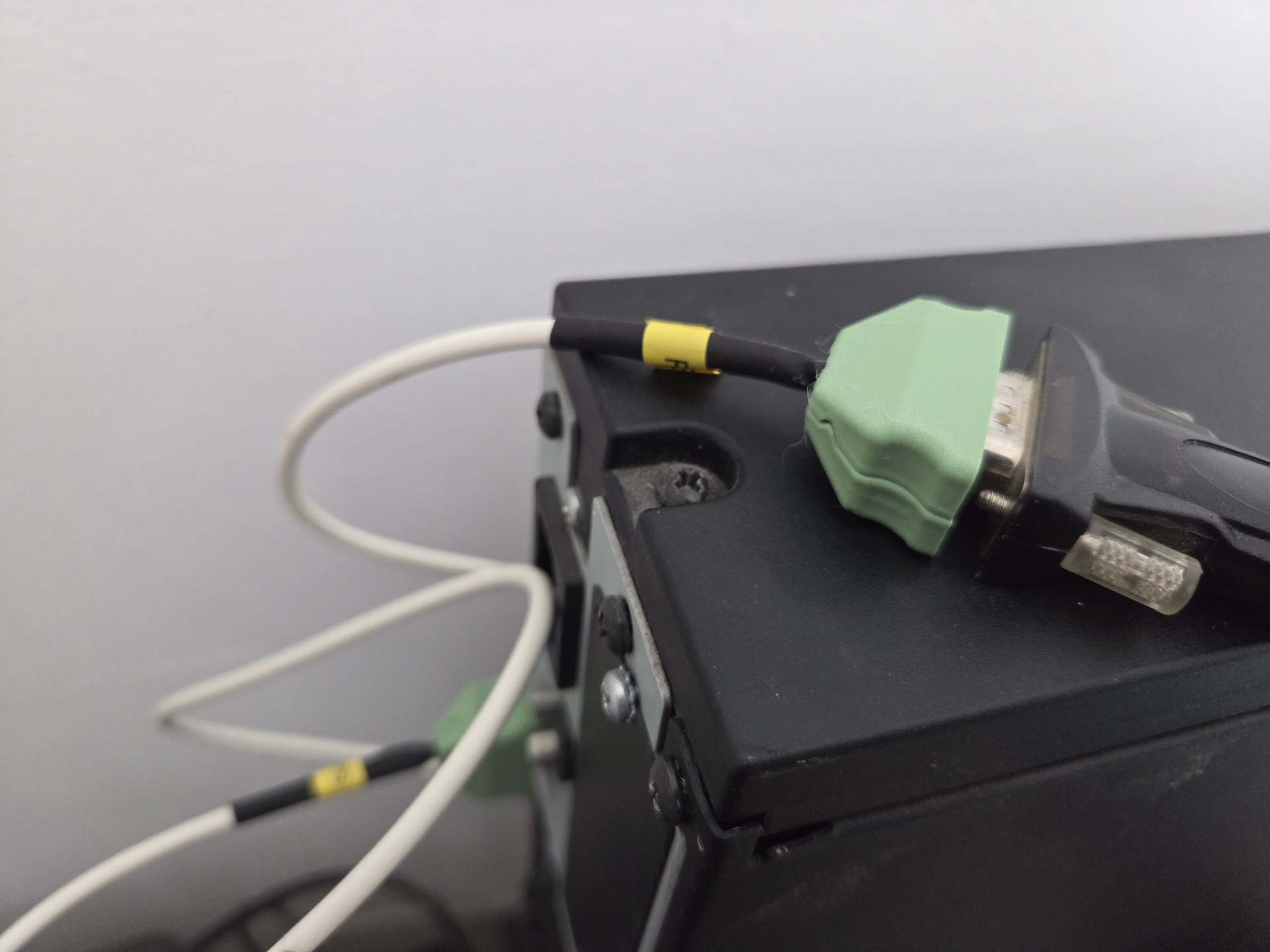
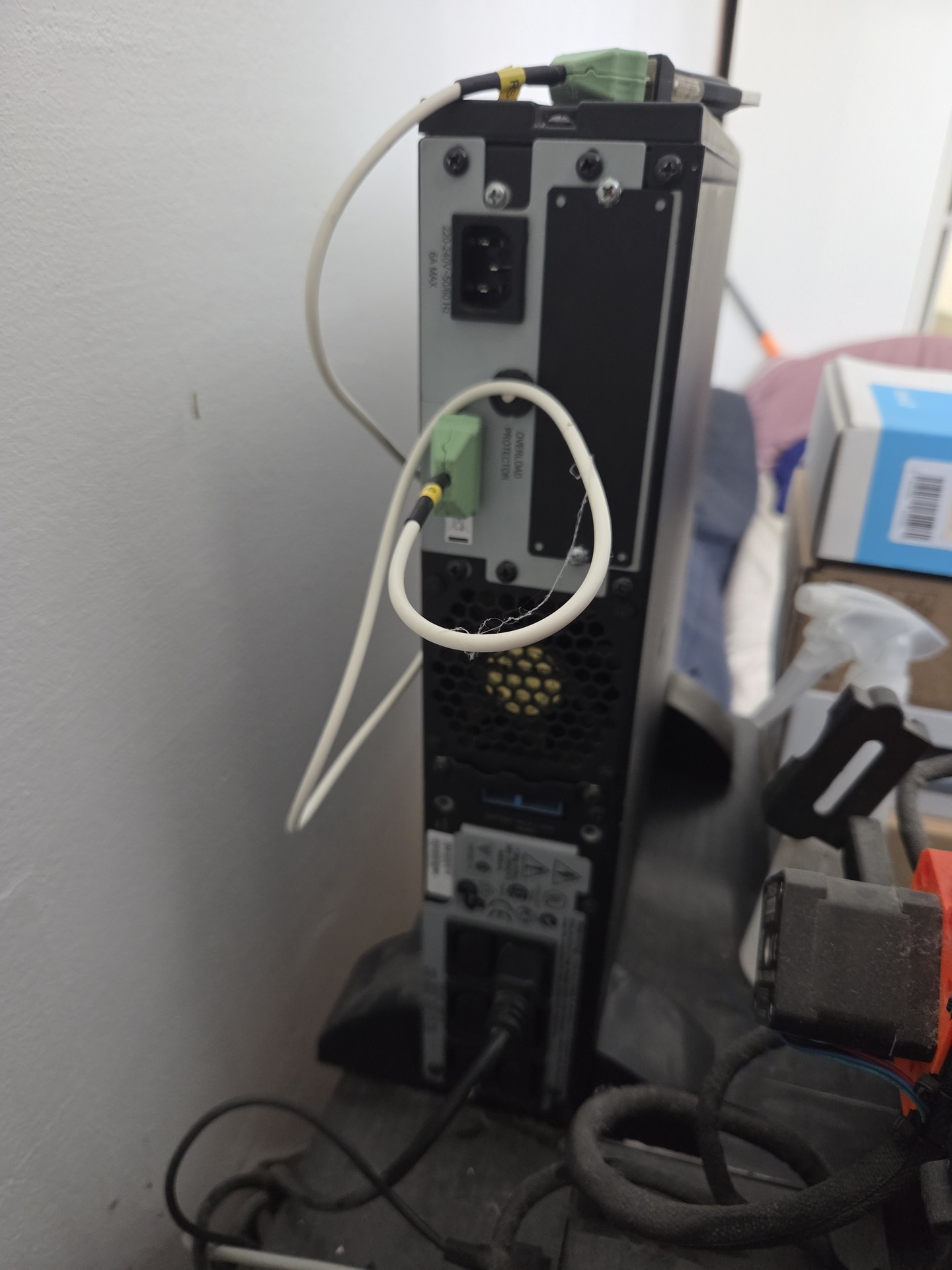
So now I have running UPS, cable connected and last missing bit is setting up actual NUT but that will be for another day.
672 Words
2026-07-16 00:00